
What you can do here
Find scripture from how you feel, keep the passages that speak to you, and turn them into keepsakes worth sharing. Here’s the whole of it.
Find a passage from how you feel
On the home page, type how you feel or what’s on your mind (“grateful”, “I should call an old friend”, “anxious about work”) or tap one of the feeling chips. We find passages worth reading; we never change the words of scripture.
Go to Find →Read the Bible
Open “Read the Bible” to read any chapter in a calm, clear layout. Switch testaments, pick a book, and jump to any chapter with the chapter row. Use ‹ Prev / Next › to move through.
Open the reader →Highlight and keep what speaks to you
While reading (signed in), tap a verse — or several — and choose Highlight or Save. Saved readings live in “My Readings” with a note about what they mean to you. Search and filter them anytime; your highlights stay on the page when you come back.
See My Readings →Turn a verse into a keepsake
This is the part you can give away. Take a saved reading and one of your own photos, and we make a keepsake: the verse, set beautifully over your picture, in a style you choose. Something to keep on your phone, print, or send to someone you love. The words are always King James, verbatim — only the picture is made.

 your photo
 your photo
 your photo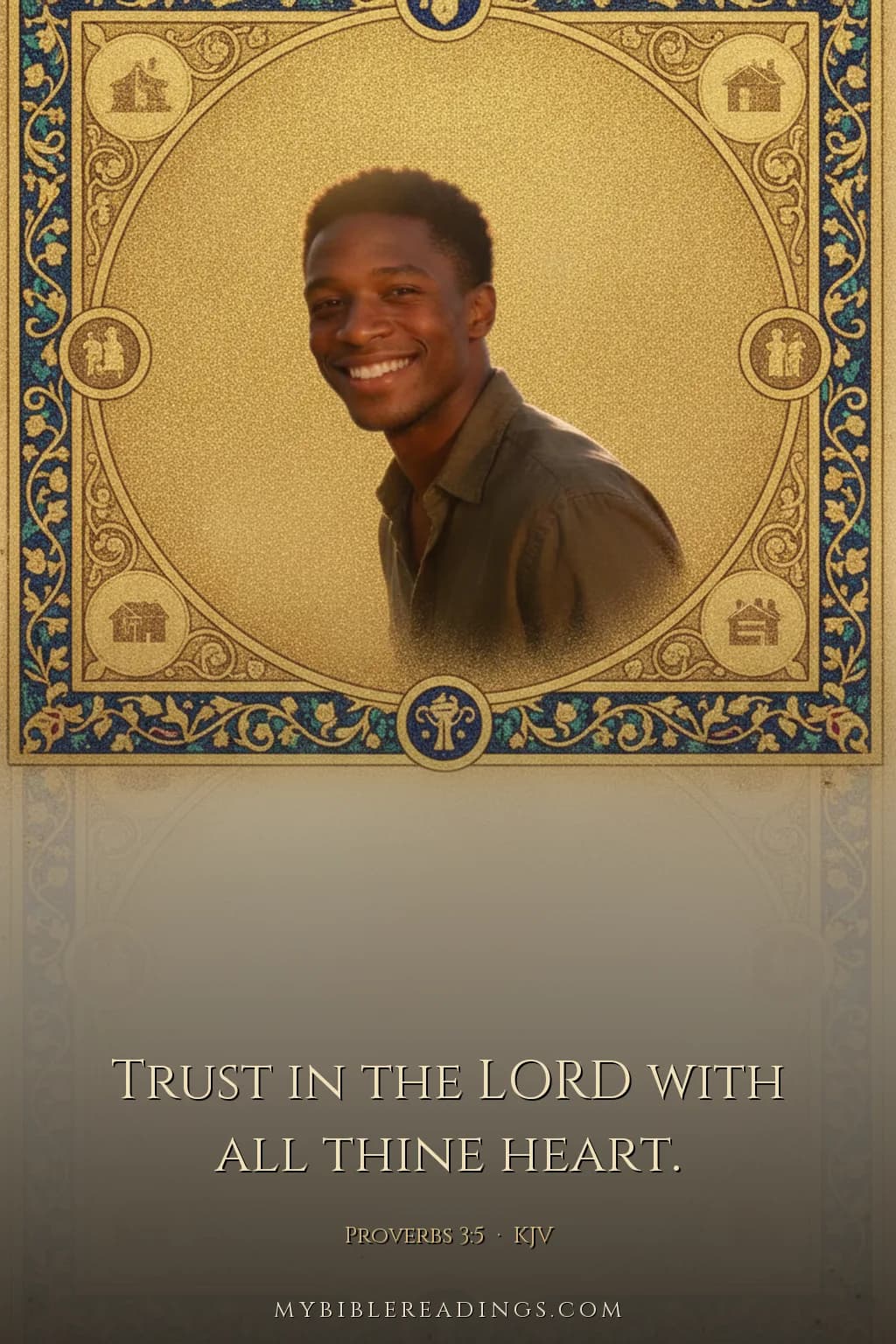
 your photo
Real examples. Every word is King James Version, verbatim — only the picture is made.
Watch your window light up
Your account shows a stained-glass map of the whole Bible. The more you save from a book, the brighter it glows: a picture of where your reading lives. Tap any book to open it.
Open my account →New here? Try a ready-made demo account to explore everything.
Sign in / try a demo